

Optimizing audio settings in Arc Raiders is a distinct technical progression path that provides a significant tactical advantage. In a game where sound cues often precede visual contact, your ability to hear footsteps, gear rustling, and distant reloads is a primary survival tool. For players aiming to improve their threat detection and spatial awareness, following a disciplined audio setup forms a reliable framework for mastery. It is about balancing “clarity” and “safety” to ensure you hear everything without suffering from auditory fatigue.

This guide examines how to approach your audio configuration efficiently, focusing on dynamic range, equalization, and the removal of “sonic clutter” to provide a competitive edge in the Exclusion Zone.
The Logic of Audio Compression
Arc Raiders, like many modern extraction shooters, features a wide dynamic range where explosions and gunfire are significantly louder than footsteps. While realistic, this can lead to players turning their volume up dangerously high just to hear a prowling enemy. The objective of an optimized setup is to “compress” this range—bringing the quiet sounds up and keeping the loud sounds within a safe limit. This is a deterministic technical fix that rewards players who treat their audio as a critical piece of gear, much like their mouse or monitor.
By adjusting these levels, you reduce the “shock” of sudden combat, allowing you to remain calm and focused during messy engagements. You stop being surprised by enemies because you can hear them approaching from further away, and you can more accurately pinpoint their direction. This clarity turns the soundscape from a chaotic noise into a detailed map of the surrounding threats, providing you with seconds of advance warning before a fight begins.
Core Settings: EQ and Clutter Removal

To achieve a professional audio profile, you must manage how different frequencies are handled by your hardware and the game engine:
- High-Frequency Emphasis: Footsteps, glass breaking, and equipment clicks are generally in the higher frequency ranges. Using an equalizer to slightly boost these “treble” frequencies makes these cues stand out against the low-end rumble of machines or vehicles.
- Music and Ambient Reduction: The first step in any competitive setup is to turn off in-game music and significantly reduce “ambient volume.” These sounds are purely atmospheric and serve only to mask the critical information you need to survive.
- 3D Audio / Spatialization: Ensure that your system’s spatial audio (such as Windows Sonic or Dolby Atmos) is correctly configured and not “doubling” with in-game settings. A clean, single layer of spatialization is essential for pinpointing whether an enemy is above or below you.
Protecting Your Hearing for Long Sessions
A major mistake players make is ignoring “ear fatigue.” If your settings are too sharp or too loud, your brain will begin to filter out noise after an hour of play, actually making your hearing *worse* as the session continues. An optimized setup should feel “clear” but not “painful.” This involves using “Loudness Equalization” (a Windows feature or third-party software) to act as a safety limiter. This feature automatically caps the decibel level of loud sounds like explosions while maintaining the volume of footsteps.
Using this limiter allows you to play for longer durations with higher focus. It also allows you to distinguish between multiple sounds happening at once; for example, hearing a footstep even while your teammate is suppressive-firing an LMG nearby. When your audio is tuned for clarity and safety, you gain a massive informational advantage that remains consistent from the first drop to the final extraction of the night.
The “Auditory Footprint” Calibration
Once your settings are dialed in, you must calibrate your brain to recognize your own “auditory footprint.” Every action you take—running, crouching, opening a bag—generates a specific sound. By understanding exactly how much noise you make, you can better judge how far away an enemy might hear you. Go into a quiet area of the map and perform basic movements to hear the volume of your own gear. This calibration allows you to move with more confidence, knowing when you are truly silent and when you are broadcasting your position.
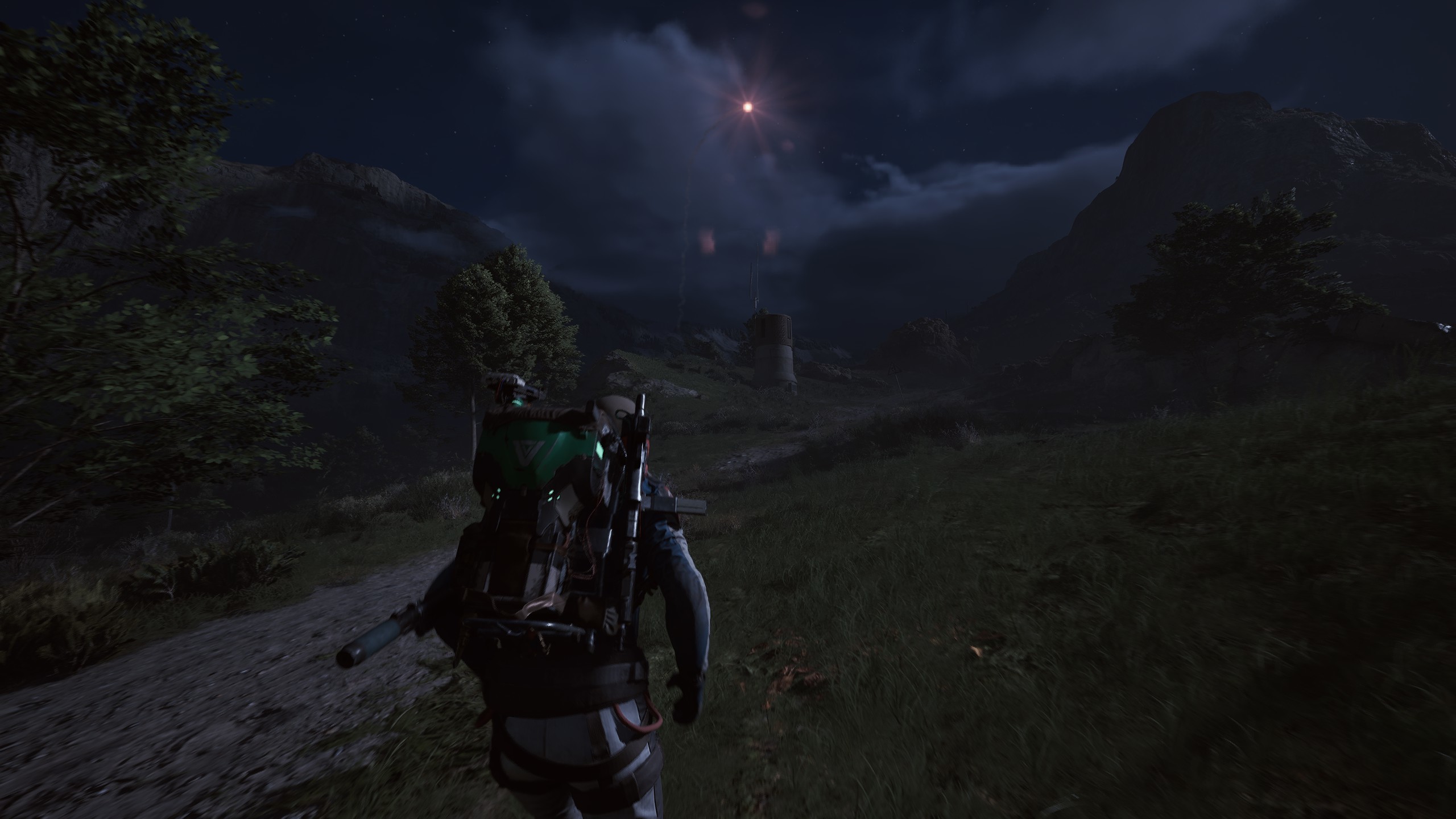
This self-awareness prevents “phantom footstep” paranoia, where players confuse their own movement sounds for an enemy. It allows you to filter out your own noise and focus entirely on the external soundscape. When you have total control over what you hear and how you interpret it, the Exclusion Zone becomes a much more transparent and navigable space. You become a raider who “sees” with their ears, consistently out-positioning opponents through superior auditory mastery.
Conclusion: Vision Through Sound
Audio settings mastery rewards the technical and the observant. By compressing your dynamic range and emphasizing critical frequencies, you transform the game’s sound into a tactical radar. Integrating these settings into your routine ensures that you are never caught off guard, providing the advance warning needed to win fights and extract with more loot by simply hearing the threats that others miss.